MostLogin:A Free Anti-association Fingerprint Browser and Cloud Phone Solution for Multi-account Management

In today's digital era, multi-account management and anti-association tools have become essential tools for professionals across various industries. Particularly for those involved in cross-border e-commerce, social media marketing, or advertising, efficiently and securely managing multiple accounts without triggering platform association risks is a common challenge.
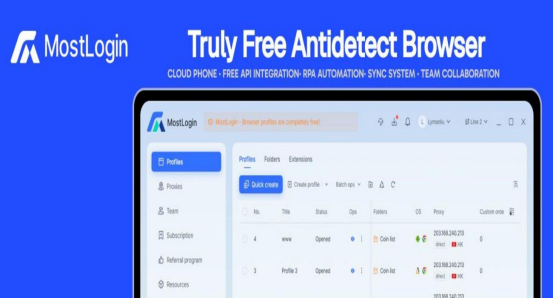
MostLogin, as a leading free anti-detection browser, helps users tackle these challenges with its powerful virtual identity isolation technology and multi-instance cloud phone capabilities. Whether for individual users or large teams, MostLogin offers zero-cost solutions, making account management simple and reliable. Visit the official website mostlogin.com to easily download and experience this multi-account management browser compatible with Windows and macOS systems.
Pricing Policy: Free Browser, Affordable Cloud Phones
The biggest attraction of MostLogin is its free policy. The anti-detection browser environment is completely free, allowing users to enjoy core features—including multi-tab browsing, account anti-association, API interfaces, RPA automation, and team control systems—without any cost. Only the cloud phone features require payment, priced below industry standards. This has enabled MostLogin to rapidly emerge as a top choice for individual users and enterprise teams in the 2025 anti-detection browser market. Compared to other paid tools, it delivers efficient, secure, and cost-free experiences, helping users gain a competitive edge.
MostLogin’s core advantage: Independent Environments and Anti-Detection Mechanisms

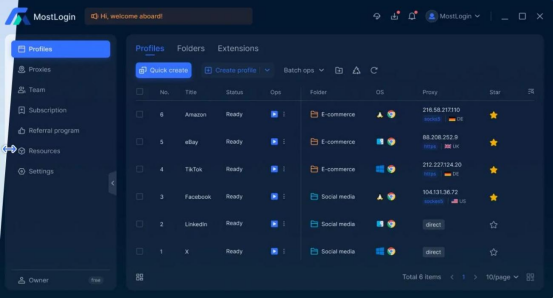
The core of MostLogin lies in its advanced virtual identity isolation technology, which creates independent browser environments for each account. This means that each browser profile has a unique browser fingerprints, local storage, cookies, and cache, ensuring that the platform cannot associate multiple accounts together to identify them as the same user device.This independent identity container design allows users to operate multiple accounts as if they were using entirely different devices, avoiding the common risk of account suspension.
In addition, MostLogin supports flexible multi-IP strategy configurations, including HTTP and SOCKS5 proxies. Users can easily pair static or residential IPs to simulate login environments from different countries and regions. This is particularly useful for those requiring global IP resources, such as cross-border e-commerce account management or international social media marketing. By integrating high-quality residential IPs from over 200 countries worldwide, MostLogin helps users bypass geographical restrictions and achieve true multi-region operations.
In terms of team collaboration, MostLogin's cross-device synchronization feature allows members to share browser profiles and synchronize operations under permission controls. This significantly enhances team efficiency, making it suitable for employee management and group control systems in large enterprises. Whether for remote collaboration or real-time monitoring, everything can be achieved seamlessly without worrying about data leaks.
How to configure the PYPROXY in MostLogin
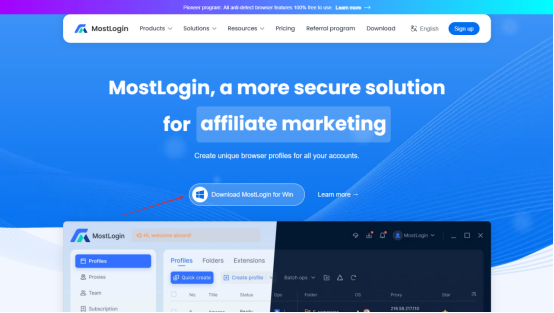
Step 1: Visit Mostlogin's official website to download the client.

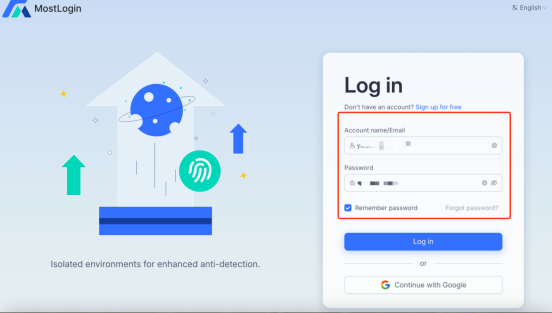
Step 2: Install the client, register and log in to your Mostlogin account.

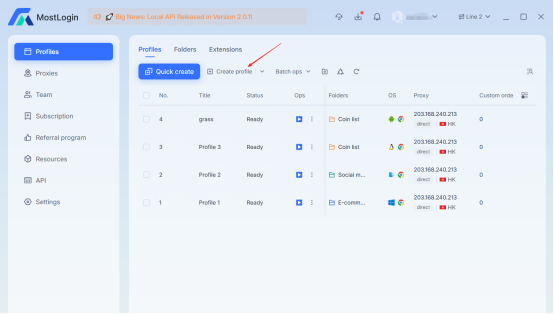
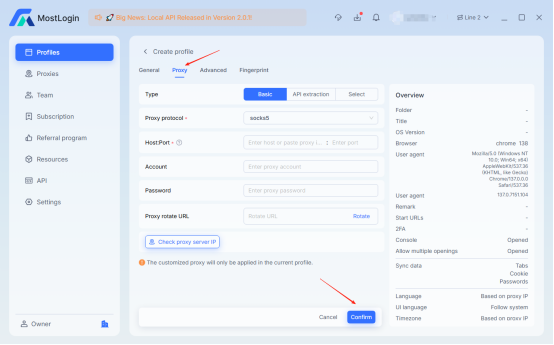
Step 3: Click "Create profile" to set up a new environment.

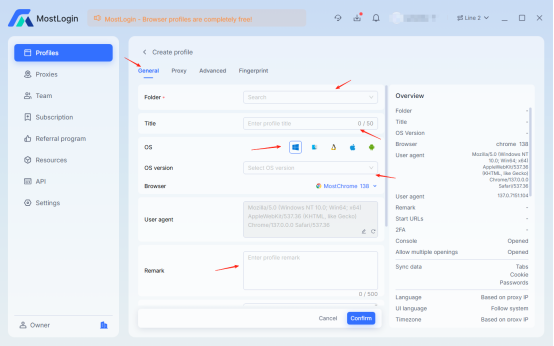
Step 4: In the "General" tab, configure the basic information for the new environment.

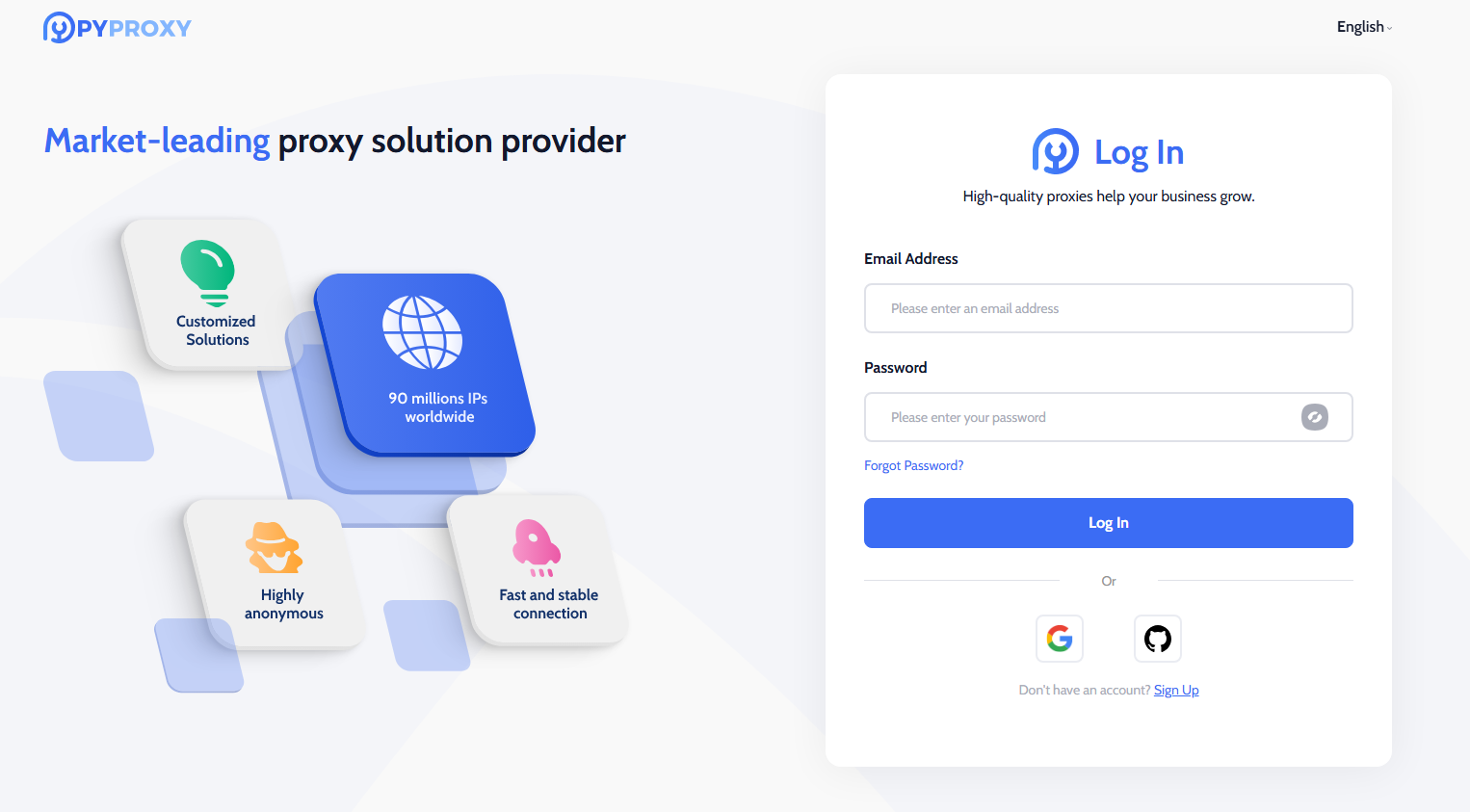
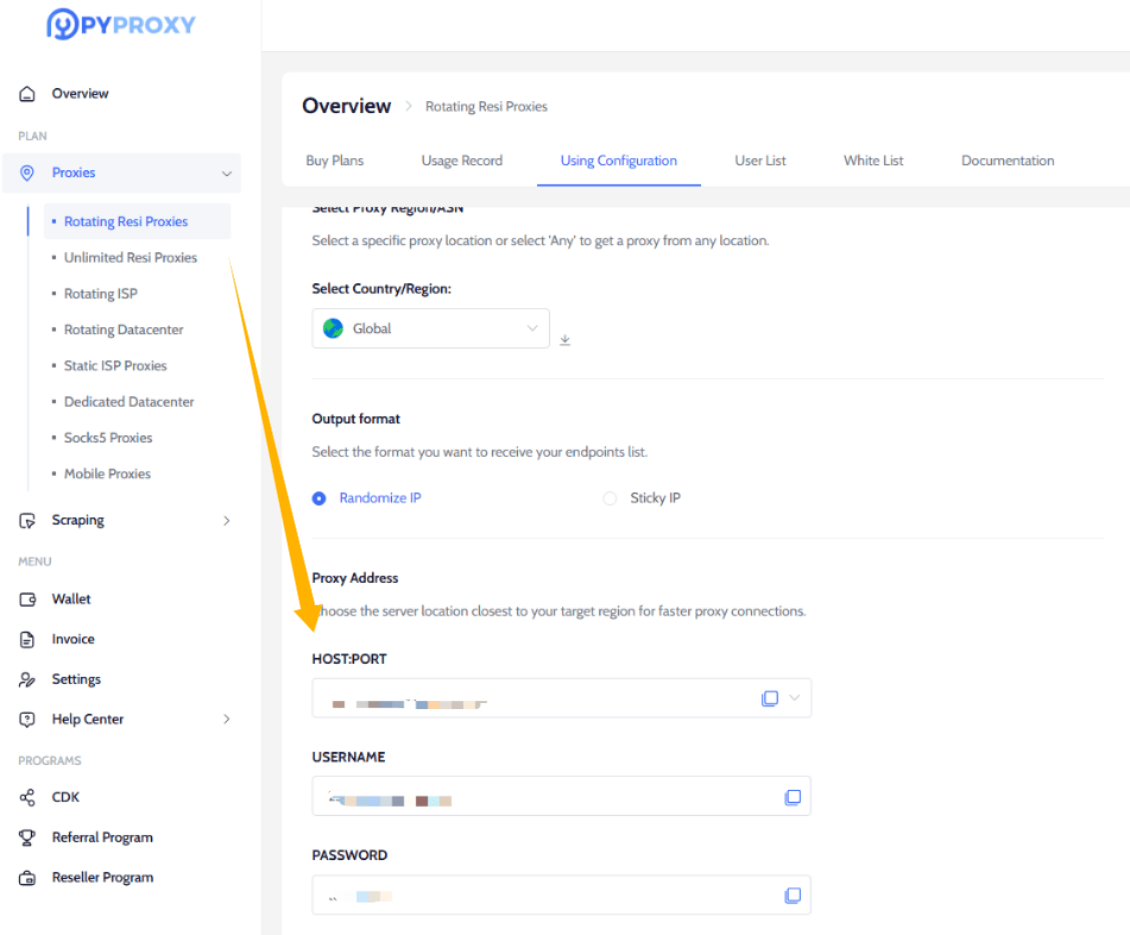
Step 5: Log in to PYPROXY dashboard.

Step 6: Get your proxy address.

Some tutorials that may help:
How to Use Static ISP Proxies on PYPROXY?
How to Get Residential Proxies by User & Pass Auth on PYPROXY?
How to Get Residential Proxies by Whitelist Auth on PYPROXY?
How to Use Dedicated Datacenter Proxies on PYPROXY?
Step 7: Back to MostLogin, click "Proxy" and enter the Proxy host, port, username, and password.

Step 8: Click “Advanced” and “Fingerprint” to configure according to your business needs, then click “Confirm” to finalize the setup.→ Done!
If you're looking for a free anti-association Antidect Browser, multi-account management tool, anti-detection browser, or multi-opening software integrated with cloud phones, MostLogin is definitely worth a try. Visit the official website mostlogin.com, download and install it, and you'll discover how it simplifies your daily operations. Whether you're an e-commerce seller, marketing expert, or automation script developer, this tool can bring real improvements. Don't hesitate—experience the convenience of MostLogin right away!